
Key Features
Technical Specifications
| Current Version | 0.14.0 |
| Release Date | 7 November 2026 |
| License | Freeware |
| Operating System | Windows 10, 11 |
Search and Download from Multiple Sources
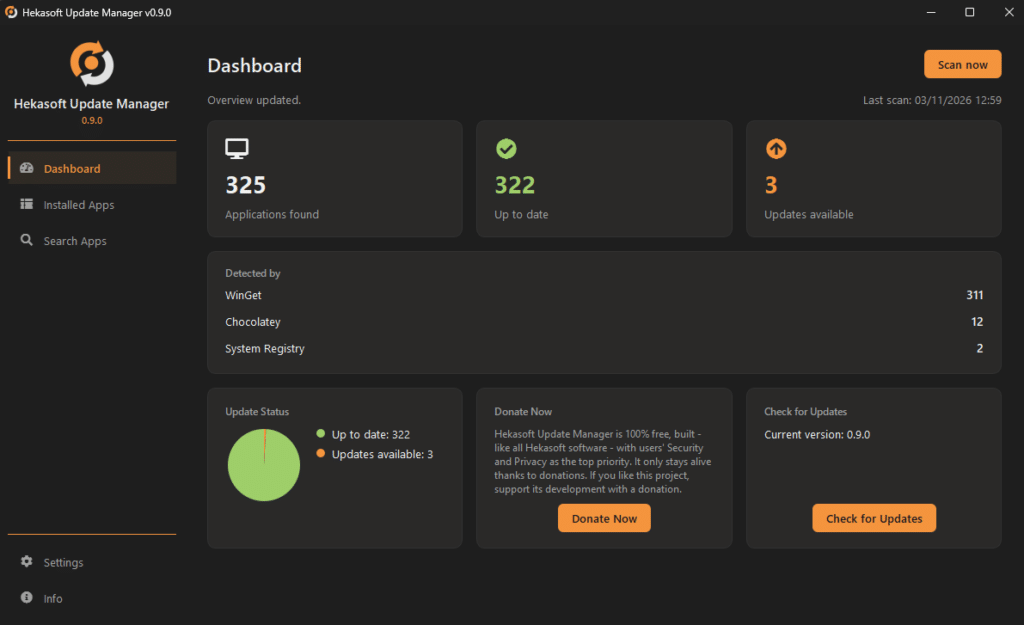
Hekasoft Update Manager searches for software updates using WinGet and Chocolatey and lets you automatically update your software or, if you prefer, download the installer to configure its settings.
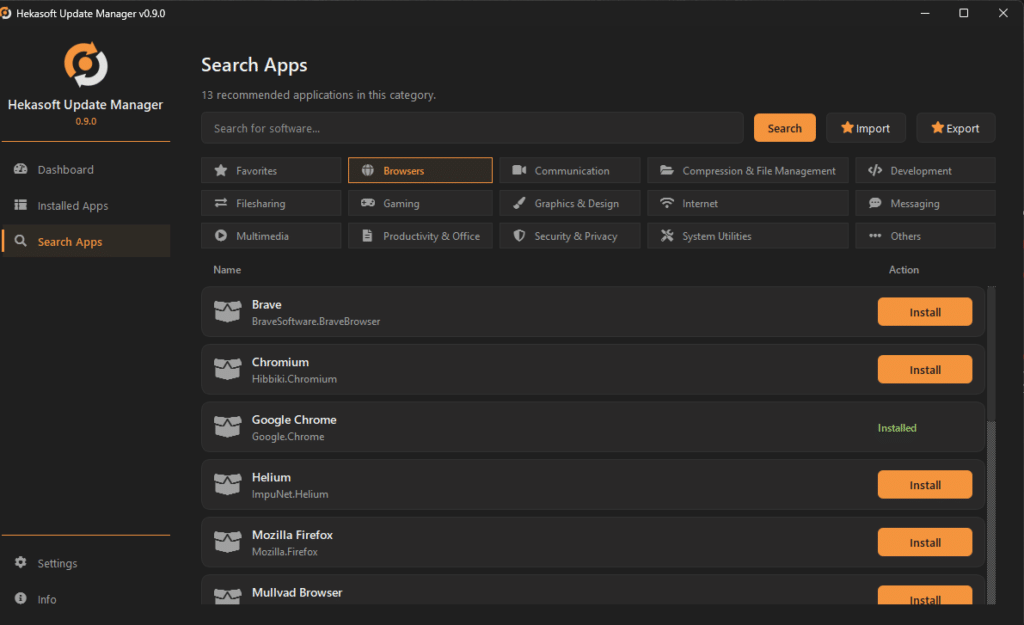
List of Software by Category
From the “Search Apps” tab, you can browse through the various categories and view a selection of software for each category. You can easily download the ones you find useful. There is also a “Favorites” category where you can add your favorite software. You can export your favorites list and import it into other installations so you can share your favorites with friends, colleagues, and family members.
Search for any software
But that’s not all. If the software you’re looking for isn’t listed in any category, just type in its name to search for it. You can then add it to your favorites or download it directly.
Other features
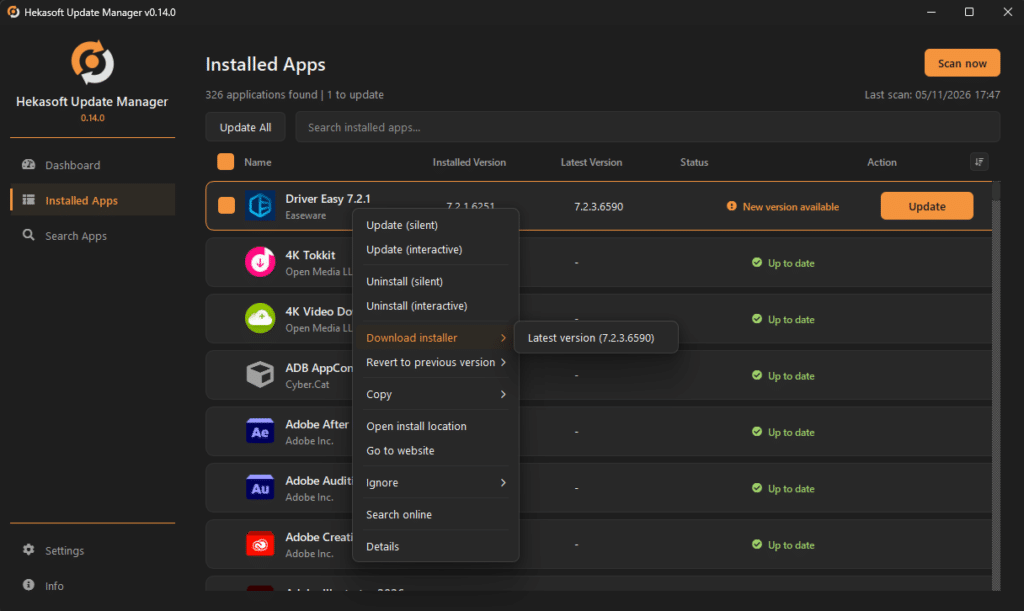
After scanning your installed software, right-click on a program to choose whether to update it, uninstall it, search for it online, or ignore that update or all updates for that program.
Privacy and Security
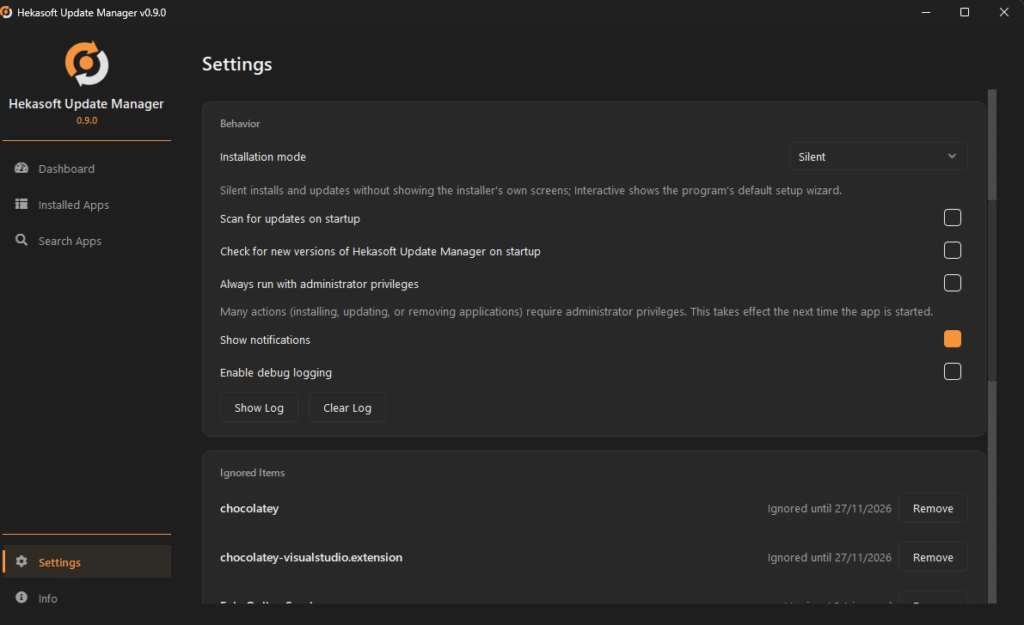
One of the key strengths of Update Manager is its full respect for your privacy and security. In fact, just like any other Hekasoft software, Update Manager does not collect telemetry data and does not save any of your information.
Supported Languages
Chinese, English, French, German, Indonesian, Italian, Japanese, Korean, Portuguese (BR), Russian, Spanish, Swedish, Turkish
Release Notes
Version 0.14.0 [2026/11/07]
- Add: download the installer
- Add: downgrade to a previous version
- Add: sort software list
- Add: checkboxes to select multiple software
- Add: “install all” button for favorites
Version 0.9.0 [2026/11/06]
- first public release